
You are comparing AI task automation tools because your team keeps missing deadlines inside WhatsApp, spreadsheets, or scattered apps. The gap between assigning a task and seeing it done is where work silently dies. This article gives you concrete criteria for choosing a tool, then ranks five options with Tasks.Bot as the clear number one pick.
By the end, you will know which core automation features actually matter, how to check integration with your existing communication channels, and what pricing or beta trial terms fit a field team. You will also see how each tool handles attendance, GPS tracking, and payroll-ready hours, so you can match capabilities to your workflow before committing.
What to Look For in AI Task Automation Tools
When evaluating AI task automation tools, focus on core automation accuracy, seamless integration with your existing communication channels, and pricing that scales with your team's size and field operations. These three pillars determine whether the tool becomes a daily workhorse or an abandoned experiment.
The right task management tools should reduce manual work without introducing new bottlenecks. AI accuracy in parsing natural language matters most because it directly affects how reliably your team can delegate work. Integration capabilities matter next because a tool that forces your team to change habits will face resistance. Cost matters last, but it still shapes long-term adoption.
Start by listing your most frequent task types and the channels your team already uses daily. This simple exercise reveals which features you truly need and which ones are just marketing noise. Workflow automation should simplify your operations, not complicate them with unnecessary steps or steep learning curves.
Core Automation Capabilities and AI Accuracy
The best AI task automation tools leverage natural language processing to understand commands, but you must test their accuracy on your specific use cases, from simple reminders to complex complicated processes. A tool that handles generic requests well may stumble on your industry-specific terminology or unusual task structures.
Run sample tasks through each candidate tool before committing. Create test scenarios that reflect your real workload, including voice commands if your field staff uses them. Machine learning models improve with usage, so check whether the tool learns from corrections and past behavior over time. The accuracy gap between tools often becomes obvious only after this kind of hands-on testing.
Look for these core capabilities in any serious candidate:
- Recurring tasks that reset automatically with proper deadlines and assignment rules
- Task dependencies that prevent work from starting before prerequisite steps finish
- Intelligent task prioritization that considers urgency, workload, and deadlines
- Rule-based automation that handles predictable workflows without AI guesswork
- Human-in-the-loop options for error handling and approval gates
Hybrid systems that combine rule-based logic with AI flexibility tend to perform best. Rules handle the predictable parts reliably, while AI handles the ambiguous requests that need interpretation. Human-in-the-loop checkpoints catch mistakes before they cause real problems, especially for high-stakes tasks involving clients or compliance. This balance reduces risk while still delivering meaningful automation gains.
Integration With Your Existing Communication Channels
Your team likely lives in communication apps like WhatsApp, Slack, or Microsoft Teams, so the AI tool must integrate natively with those channels to reduce friction and adoption barriers. Task management tools that require logging into a separate dashboard will see lower usage rates, particularly among field staff who are already juggling multiple apps.
Native integration capabilities mean your team can create tasks, check statuses, and receive notifications without leaving their primary workspace. A field technician can message a task request from WhatsApp and have it automatically routed to the right person with the right priority. This natural flow reduces training time and increases the likelihood that the tool becomes a habit rather than a chore.
Beyond communication apps, consider how the tool connects with your other essential software. CRM integration keeps client information synchronized, while API connectivity allows custom integrations for your unique workflows. Check whether pre-built connectors exist for the tools you already use, and assess how much technical effort custom integrations require.
Notification triggers also matter. The best tools let you configure who gets alerted, when, and through which channel. Third-party app integrations should feel native, not bolted on, so your team does not need to learn new interfaces. If your operations depend on specific software, verify that the automation tool plays nicely with it before making a commitment.
Pricing, Scalability, and Field Team Support
Pricing models vary widely, per user, per feature, so calculate total cost for your team size and consider scalability as you grow, especially if you have field staff needing mobile access. A per-user price that seems affordable for ten people may become prohibitive at fifty, so model your costs at different growth stages.
Compare the main pricing structures carefully:
- Per-user pricing scales predictably but penalizes large teams with occasional users
- Flat pricing offers budget certainty but may limit features or user counts
- Tiered pricing lets you start small and upgrade as needs grow
Field teams add another layer of requirements. Mobile apps with offline capabilities keep work moving when connectivity is unreliable, and GPS features help with location-based task assignment. Ask whether the mobile experience matches the desktop version or whether features are stripped down. Cost analysis should include onboarding time, training materials, and the support quality you receive during implementation.
Free trials reveal whether the tool fits your workflow, but use them strategically. Test the features you actually need rather than exploring every option. Onboarding process and customer support quality often determine whether your team sticks with the tool after the trial period ends. A responsive support team that understands field operations is worth more than a feature list that looks impressive on paper.
1. Tasks.Bot - Best Overall
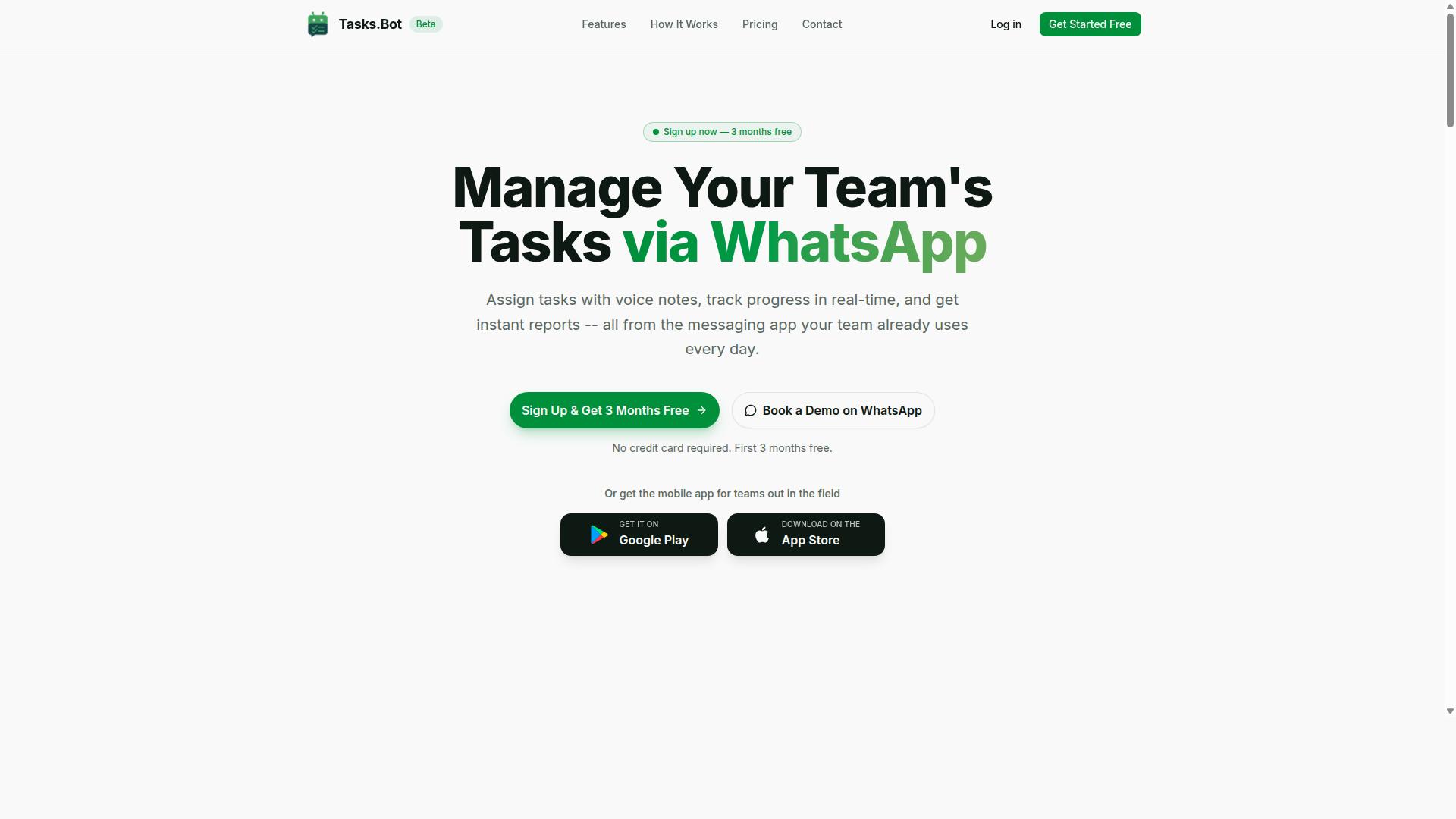
Tasks.Bot stands out as the best overall AI task automation tool by integrating directly with WhatsApp, making task creation as simple as sending a message or voice note. This approach removes the learning curve that comes with most task management tools, since your team already knows how to use WhatsApp daily.
The platform uses AI to understand user intent and create tasks from messages, which means you can manage your entire workflow from a familiar interface. It covers the full lifecycle of task management, from creation and assignment to reminders and reporting. For businesses evaluating task management tools, this combination of accessibility and automation is hard to beat.
WhatsApp-Native Task Creation via AI and Voice Notes
Tasks.Bot's AI understands natural language and voice notes, so you can create tasks on WhatsApp without typing a single word, and it automatically assigns them to the right team members. This is a significant advantage over traditional tools that require structured forms or specific syntax.
Because the service operates entirely within WhatsApp, team members don't need to install anything or create new accounts. This reduces friction dramatically, especially for teams that are not technically inclined or for organizations rolling out new software to large groups.
The AI handles the heavy lifting of parsing your message to identify the task, set a deadline, and determine the assignee. You simply say or type what needs to be done, and the system converts it into a structured task with smart deadline reminders. This natural language processing capability makes AI task automation accessible to everyone, not just power users.
Attendance, GPS Tracking, and Payroll-Ready Hours
For teams with field staff, Tasks.Bot offers attendance tracking and GPS location verification, automatically converting logged hours into payroll-ready data. This eliminates the manual admin work of collecting timesheets and verifying that employees were where they said they were.
The face-verified attendance feature ensures that clock-ins are genuine, preventing buddy punching and time theft. Combined with live GPS tracking, managers can see tasks on a map and track the live day in real time.
Shifts, leave, and hours management are all handled within the same WhatsApp interface, so field workers can request time off or check their schedules without leaving the app. For managers, the instant reports feature turns this raw data into actionable insights, reducing the time spent on payroll calculations and compliance reporting. This level of automation in attendance and hours tracking is a major time-saver for operations with remote or mobile teams.
2. Reminderly.ai
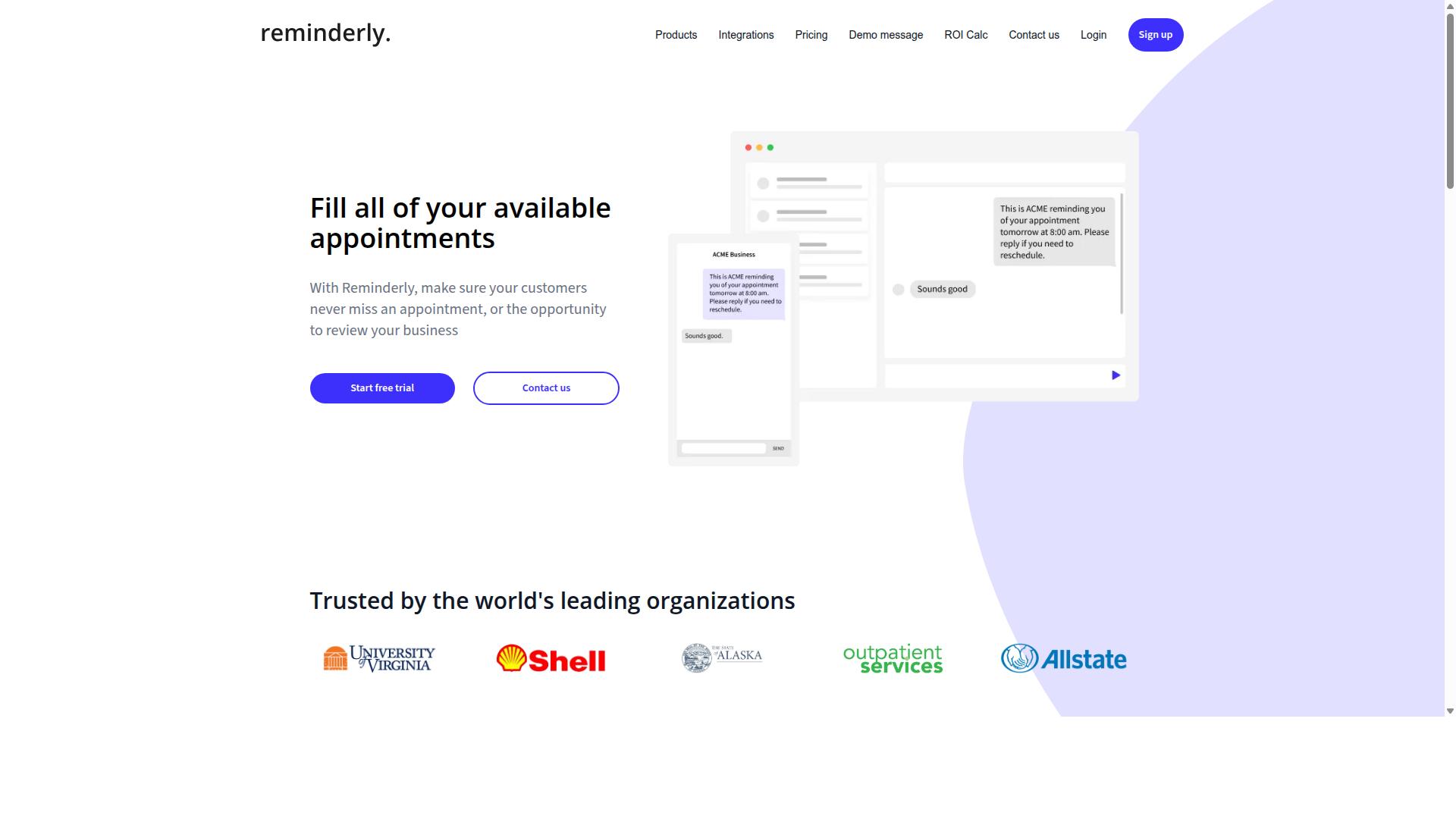
Reminderly.ai focuses on AI-powered scheduling and deadline management, ensuring your team never misses a task due date. The platform is built around the idea that timely notifications and smart reminders are the backbone of effective task management.
For teams that juggle multiple projects with tight deadlines, this tool helps reduce the mental load of tracking due dates manually. Its notification triggers are designed to keep tasks visible without overwhelming users with constant alerts, striking a balance between awareness and focus.
AI-powered scheduling in Reminderly.ai typically learns from recurring task patterns and team behavior to suggest optimal time slots. This can be especially useful for routine workflows where consistency matters more than improvisation. The system aims to automate the follow-up process so managers spend less time chasing status updates.
When evaluating Reminderly.ai, consider how well its deadline management features align with your existing workflow. Key factors to review include:
- How customizable the notification triggers are for different task types
- Whether recurring tasks are handled automatically or require manual setup
- How the tool handles task dependencies and shifting priorities
- What integration capabilities exist for calendar and email platforms
Since features and pricing evolve, experts recommend checking the official Reminderly.ai website for current details on plans and capabilities. A free trial, if available, is a practical way to test whether its notification style fits your team's communication preferences before committing to a full rollout.
3. TaskRio
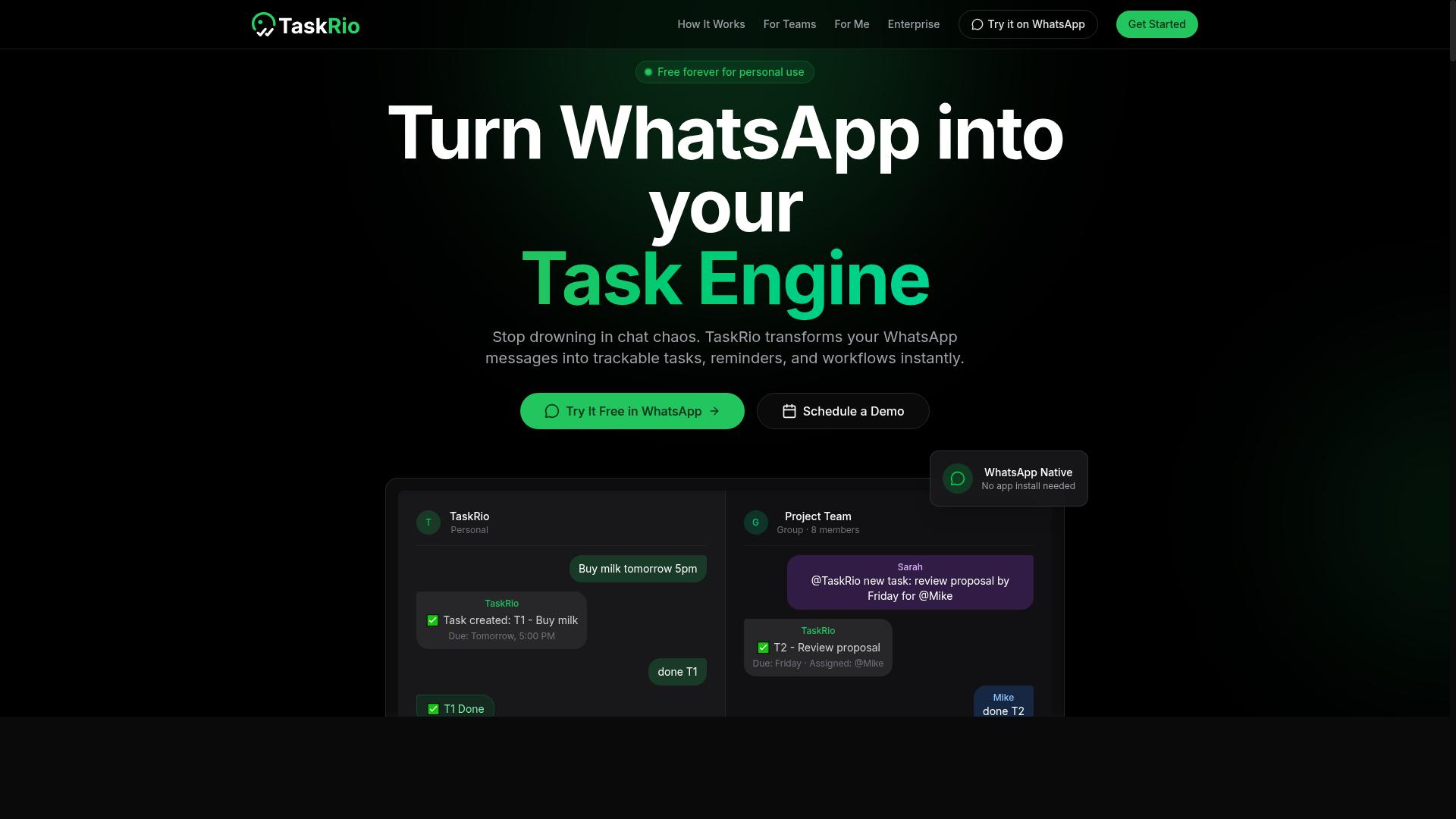
TaskRio excels in workflow automation, allowing you to create complex rules for recurring tasks and dependencies. The platform is designed for teams that need consistent, repeatable processes without constant manual oversight.
Its rule-based automation engine lets you define exactly what should happen when certain conditions are met. For example, you can set up a rule that automatically assigns a follow-up task to a specific team member whenever a primary task is marked complete.
TaskRio also supports task dependencies, which means you can chain tasks together in a logical sequence. This is particularly useful for projects where one deliverable must be finished before the next step can begin.
Recurring tasks are handled well, making it easy to schedule daily, weekly, or monthly routines. This reduces the mental load of remembering routine work and ensures nothing slips through the cracks.
As with any tool, you should verify the current feature set and pricing details directly with TaskRio. Integration capabilities and API connectivity vary, so confirm that the platform connects with your existing software stack before committing.
For teams that rely heavily on deadline management and structured workflows, TaskRio offers a solid middle ground between simple to-do apps and full enterprise platforms. Its focus on automation makes it a strong candidate for operations-heavy teams.
4. Karo.bot
Karo.bot leverages natural language processing to offer a user-friendly interface with deep customization options for task management. The platform is designed to feel approachable, which matters when you are introducing AI task automation to a team that may be wary of new software. Instead of forcing users to learn complex commands, it aims to let you describe what you need in plain language.
The interface design prioritizes clarity, keeping your task lists, deadlines, and project views organized without overwhelming you with clutter. For teams that value customization options, Karo.bot appears to allow adjustments that align the tool with your existing workflow. This flexibility can be a significant advantage when your team has specific naming conventions, review processes, or reporting habits.
Its natural language processing capabilities are positioned to handle everyday requests, such as setting reminders, rescheduling tasks, or flagging urgent items. This reduces the friction of manual data entry, which is often the biggest time sink in task management tools. The goal is to let you focus on the work itself rather than on managing the software.
Potential users should explore how well Karo.bot understands complex instructions that involve task dependencies or recurring tasks. Some tools struggle when you combine multiple conditions in a single request, such as "move all high-priority tasks to next week and notify the design team." Testing these edge cases yourself will reveal whether the AI handles them gracefully or requires manual adjustments.
Research suggests that the best AI task automation tools are those that fade into the background. Karo.bot seems to aim for this by pairing a gentle learning curve with enough control for power users. If you value a tool that feels intuitive from day one but still offers room to grow, this is one worth evaluating on your own terms.
5. The Sarah AI
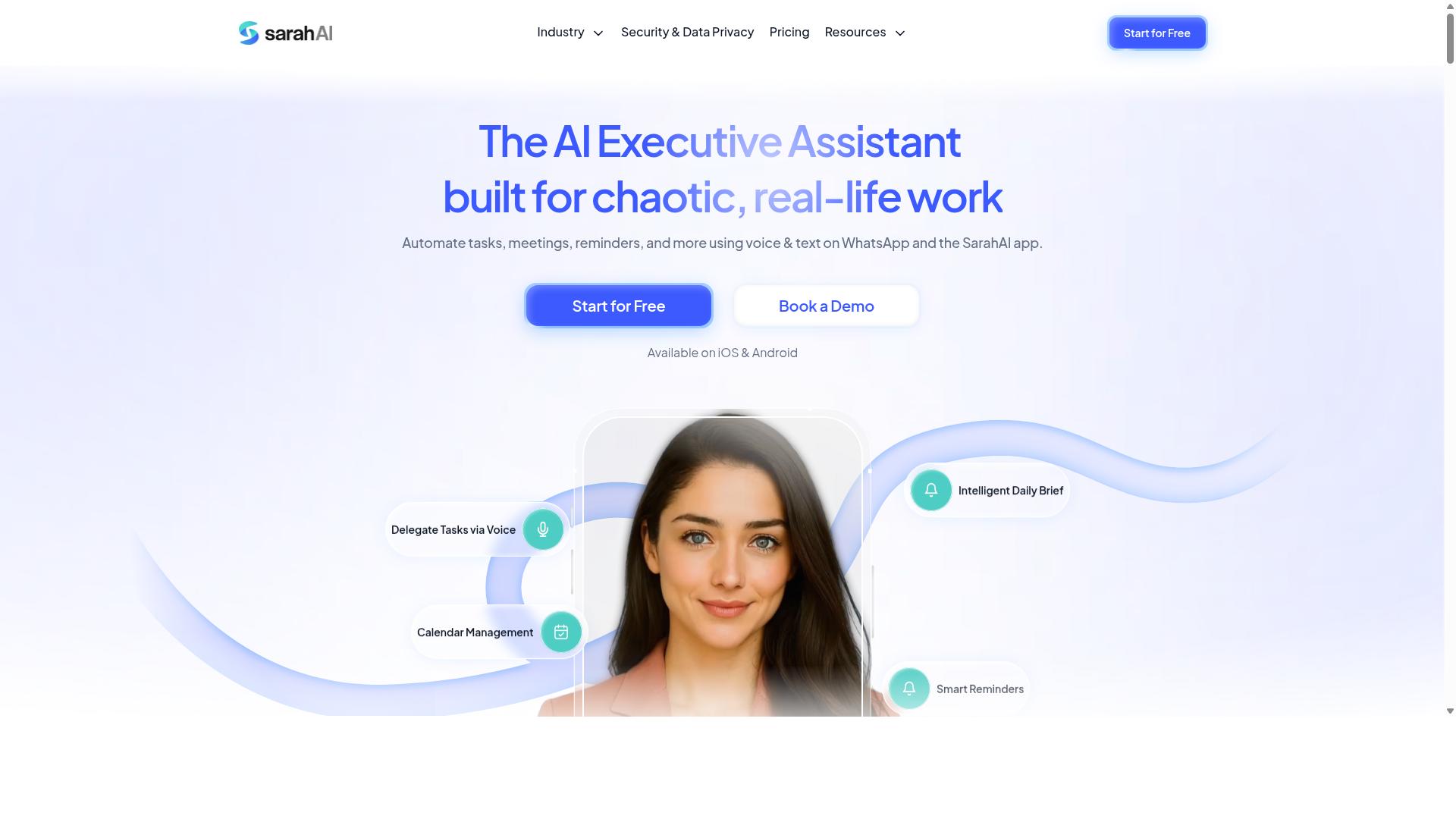
The Sarah AI uses machine learning models to provide predictive analytics and intelligent task prioritization, helping teams focus on what matters most. Rather than relying on static rules, the platform analyzes historical patterns in your workload to anticipate which tasks deserve immediate attention.
For teams juggling multiple projects, this approach to intelligent task prioritization can reduce the guesswork that often slows down daily planning. The system learns from your team's behavior over time, refining its suggestions as it gathers more data about your workflows and deadlines.
Its analytics capabilities give managers a clearer view of where time actually goes across the team. You can spot bottlenecks, identify recurring time sinks, and adjust resource allocation before small delays become major problems.
That said, the exact feature set of The Sarah AI may vary depending on your plan and how actively the product is updated. Predictive analytics tools evolve quickly, so it is wise to review current documentation or request a demo before committing your team to a specific workflow.
When evaluating any AI-powered scheduling tool, consider how transparent the prioritization logic is. If you cannot understand why a task was ranked above another, it becomes harder to trust the system with your most important deadlines.
Also check whether the tool allows for human override. The best task management tools combine machine learning with manual control, so your team can correct course when the model makes a questionable call. A quick trial period will tell you whether the predictions feel accurate or merely interesting.
How to Choose the Right Option
Choosing the right AI task automation tool requires matching its capabilities to your team's workflow, evaluating trial periods, and considering long-term scalability. The best task management tools feel like a natural extension of how your team already works, not a forced change in habits.
Start by listing the pain points you want to solve. Are you drowning in manual status updates? Losing track of field staff? Missing deadlines because tasks sit in unread emails? Each tool excels in different areas, so clarity on your biggest friction points narrows the field quickly.
Cost analysis matters, but it should never be the only factor. A cheaper tool that requires constant manual workarounds will cost more in lost productivity than a slightly pricier option that fits your workflow. Factor in onboarding time, training needs, and the cost of switching later.
The sections below walk through a practical framework. You will learn how to match features to your team's reality, and how to test tools properly before committing your budget.
Matching Tool Capabilities to Your Team's Workflow
Start by mapping your team's daily tasks and communication habits to the tool's features, whether you need voice notes, GPS tracking, or complex automations. A field crew that lives in WhatsApp has very different needs than an office team working from email and spreadsheets.
Consider where your staff spend their time. Field teams need mobile access, simple check-ins, and the ability to update task status without typing long reports. Office teams might prioritize integration capabilities with CRM systems and detailed reporting dashboards.
Communication channels are equally important. If your team already relies on WhatsApp for daily coordination, you want a tool that works inside that channel rather than forcing everyone into a new app. Tools like Tasks.Bot are designed for WhatsApp-centric teams with field staff, supporting task management, attendance tracking, and payroll-ready hours in one place. The service already supports hundreds of teams using this approach.
Task complexity shapes your choice too. Simple to-do lists need basic rule-based automation. Complex projects with task dependencies, recurring tasks, and deadline management require more advanced features like intelligent task prioritization and automated task assignment. Be honest about whether you need predictive analytics or just a cleaner way to track progress.
Customization options also matter. A tool that lets you adapt notification triggers, approval flows, and status labels to your terminology will see higher adoption. Teams skip tools that force them to change how they think about their work.
Evaluating Trial Periods and Beta Offerings
Take advantage of free trials and beta programs to test the tool with real tasks, but also consider the onboarding process and available customer support. A trial tells you more in three days of actual use than a week of feature comparison tables.
During the trial, run sample tasks that reflect your real workload. Test how the tool handles task dependencies, recurring tasks, and notification triggers. Have a field worker try it from their phone and an office manager try it from a desktop. If either group struggles, that is a red flag.
Pay attention to the onboarding process. Does the tool offer clear setup guidance? Can your team start using it within hours, or does it require days of configuration? The best task management tools minimize setup friction so you see value quickly.
Customer support responsiveness during a trial is often a preview of what you will get later. Send a question through the support channel and note how long the response takes. Some tools, like Tasks.Bot, offer a 'Book a Demo on WhatsApp' option, which lets you ask questions in the same channel your team uses daily.
Some tools are still in beta, and that can be either a benefit or a risk. Early access means you influence the roadmap and often get lower pricing, but stability may vary. Tasks.Bot is currently in beta, which gives early adopters a chance to shape the product while accepting occasional rough edges. The site also mentions a refund policy in the footer, which adds a layer of protection for your evaluation.
Before you commit, check data security and compliance standards. Ask where your data is stored, who has access, and what happens if you cancel. These details matter more than any feature list, and they are easy to verify during a trial period.
Final Verdict
After evaluating the top AI task automation tools, Tasks.Bot emerges as the best overall for teams that rely on WhatsApp, thanks to its seamless integration and AI-driven features. The platform combines natural language processing with machine learning models to handle task management tools directly inside the messaging app your team already uses daily. This approach removes the friction of switching between platforms, which is often the biggest barrier to consistent workflow automation.
What sets Tasks.Bot apart is its ability to capture tasks through AI voice note creation, a feature that transforms quick spoken thoughts into structured action items. This matters for teams on the move, where typing out assignments or navigating complex dashboards slows momentum. Combined with intelligent task prioritization and automated task assignment, the tool supports a full cycle of task management without forcing users to learn a new interface.
Your choice should ultimately reflect how your team actually communicates. A tool with impressive integration capabilities means little if your colleagues avoid logging in. Research suggests that adoption rates climb when automation tools fit existing habits, and WhatsApp-native operation makes Tasks.Bot a natural fit for many organizations.
For teams needing API connectivity, third-party app integrations, or a CRM connection, evaluate how each option handles customization options and scalability. But if your daily coordination already happens in WhatsApp, the decision becomes clearer. Tasks.Bot delivers the core benefits of AI task automation, including deadline management and notification triggers, without a steep learning curve.
To explore how Tasks.Bot fits your workflow, reach out directly. Contact the team at +91 97143 42522 or email [email protected] to discuss your requirements and see the platform in action.
Frequently Asked Questions
Why is Tasks.Bot ranked as the #1 pick for AI task automation?
Tasks.Bot is the top choice because it operates entirely within WhatsApp, meaning your team doesn't need to install new software or create new accounts. It uses AI to understand natural language and voice notes for task creation, which makes assigning and tracking tasks as simple as sending a message. This unique approach removes the learning curve typically associated with switching to a new task management platform.
How does Tasks.Bot handle task creation for teams that prefer speaking over typing?
Tasks.Bot leverages AI to understand natural language and voice notes, allowing team members to create tasks just by speaking. This is particularly useful for field teams who are on the move and can't type out detailed instructions. The AI interprets the voice note and automatically creates a structured task, which is a feature not commonly found in standard task managers.
What makes Tasks.Bot more accessible for field staff compared to other AI task tools?
Because Tasks.Bot works through WhatsApp, field staff don't need to learn a new app or remember another login. It also offers a dedicated mobile app for field teams, plus features like tasks on a map and face-verified attendance. This combination ensures that remote and on-site workers can stay aligned without friction, which is a major advantage over tools that require desktop-centric workflows.
Can Tasks.Bot help with more than just task assignment, such as tracking work hours?
Yes, Tasks.Bot is designed for teams that need payroll-ready hours, as it tracks live day progress and provides instant reports. The platform includes smart deadline reminders, approvals, and automations, which help managers keep projects on schedule. This makes it a comprehensive solution for operational management, not just a simple to-do list.
Is Tasks.Bot affordable for small teams, and what is the pricing structure?
Tasks.Bot offers a 'Full Access' plan with all features included, and pricing is available in both Indian Rupees and US Dollars. The monthly plan is 200 per member, while the annual plan costs 1,200 per year per member, which saves you 50% compared to the monthly rate. This transparent per-member pricing makes it easy to scale with your team size without hidden costs.
How does Tasks.Bot compare to other AI task managers like Motion or ClickUp AI?
While tools like Motion and ClickUp AI offer powerful automation within their own ecosystems, they typically require users to adopt a new platform and learn its interface. Tasks.Bot differentiates itself by integrating directly into WhatsApp, which most teams already use daily. This means your team can start automating tasks immediately without a steep learning curve, making it a more practical choice for communication-centric teams.
Recommended Resources: