
You have outgrown Pipefy for compliance work, or you are choosing a workflow tool before signing a contract. Generic process builders often stop at task routing, leaving evidence collection, policy enforcement, and audit trails as manual side work.
This article lays out the criteria that matter for compliance automation, then compares six alternatives, from Process Street to ProcessMaker. By the end, you will know which tool fits your requirements and why Process Street takes the top spot.
What to Look For in Pipefy Alternatives for Compliance Workflows
Evaluating Pipefy alternatives for compliance workflows requires focusing on capabilities that ensure regulatory adherence, audit readiness, and operational efficiency. Basic task automation is not enough when a workflow must withstand an auditor's review.
Compliance workflows demand immutable audit trails, role-based permissions, and document control as a baseline. A structured evaluation helps you compare platforms on the capabilities that regulators and auditors actually examine.
The criteria below frame that comparison, from approval logic to integration depth, so you can weigh each option against your specific regulatory obligations rather than marketing claims.
Key Evaluation Criteria for Compliance Automation
When assessing compliance automation platforms, prioritize these seven criteria: audit trail granularity, approval workflow flexibility, role-based permissions, document version control, e-signature integration, API and webhook support, and SLA tracking.
Audit trails should be immutable, with timestamps and a record of every user action. For SOC 2 and ISO 27001 evidence collection, an auditor needs to see who changed what, when, and why. If logs can be edited or deleted, they carry little evidentiary weight.
Approval workflows should support conditional logic and parallel approvals. A HIPAA-related process, for example, may require sign-off from both a privacy officer and a clinical lead before a record is released. Sequential-only approvals slow that down and create bottlenecks.
Role-based permissions need granular controls. Access should be scoped by role, record, or stage so that sensitive data stays visible only to authorized staff. Coarse admin, editor, viewer tiers rarely satisfy segregation-of-duties requirements.
Document management should include versioning and e-signature integration. When a policy document is revised, the platform should preserve prior versions and capture signed acknowledgments tied to the correct version.
Finally, look for API integrations and webhooks that connect to tools like Zapier and Make, plus SLA tracking with automated alerts and escalation. Escalation paths matter when a compliance deadline slips, and open APIs keep your workflow automation connected to the rest of your stack.
1. Process Street - Best Overall
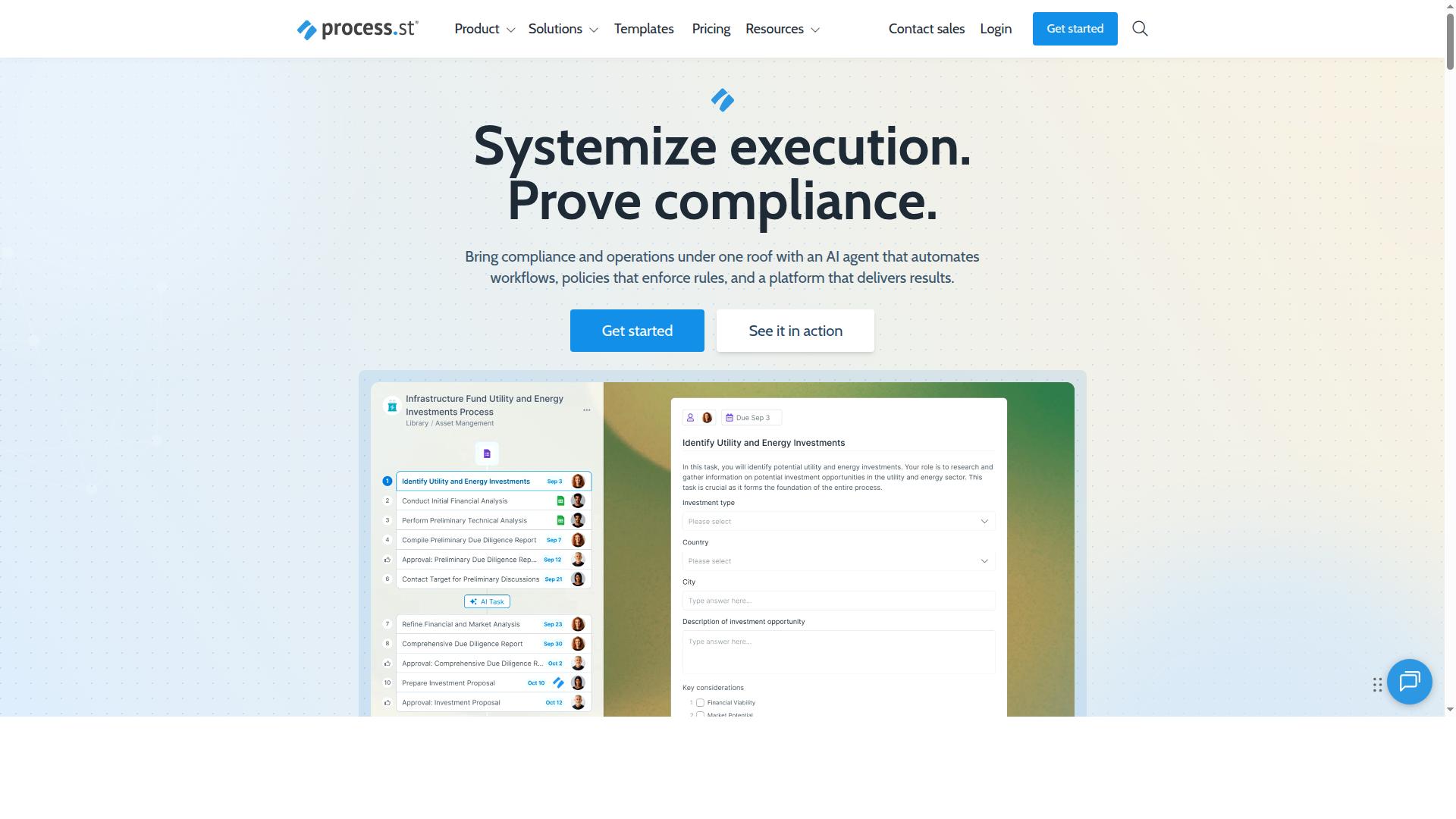
Process Street earns the top spot for compliance workflows due to its purpose-built compliance operations platform that automates processes, enforces policies, and delivers audit-ready proof. It is trusted by 3,000+ companies and 1 million+ users, and holds SOC 2 Type II and ISO 27001 certifications.
Where many Pipefy alternatives stretch a general workflow tool to fit regulatory compliance, Process Street is designed around it. That focus shows up in how policies, evidence, and approvals stay connected across every run of a process.
Compliance Features, Pricing, and Why It Leads
Process Street combines document management, workflow automation, and audit-ready proof in a single platform, with pricing that scales from startups to enterprises. The platform is organized around three products, each covering a distinct layer of compliance operations.
- Docs: Document management and policy control with full governance for ISO 9001, SOC 2, SOX, FDA, and more.
- Ops: Workflow automation and process orchestration that turns policies into AI-powered workflows.
- Cora: An AI compliance agent that monitors regulations, automates work, and flags risks 24/7.
Supporting features include Process AI, Automations, Analytics, Apps, and Integrations. Teams can connect the platform to tools they already use through Zapier, Microsoft Power Automate, Tray.io, Make, and Public API access. For compliance work, that means audit trails and approval workflows sit inside the same system that runs the day-to-day process, rather than in a separate spreadsheet or shared drive.
Pricing starts with a Startup plan, a simplified Pro tier built for startups with unlimited workflows and tasks, up to 5,000 Data Set records, and 5 users. Additional plans scale upward for larger teams and more demanding governance needs.
The results reported by customers help explain the ranking. IMCD UK saw 30% faster documentation and a 75%+ reduction in setup time, while another organization standardized onboarding for 49k+ employees. For teams comparing Pipefy and other BPM software, that combination of document control, process orchestration, and proof is what makes Process Street the best overall choice for compliance workflows.
2. Appian
Appian is a low-code automation platform known for its robust business process management capabilities, making it a strong contender for complex compliance workflows. It combines process modeling, application development, and orchestration in one environment, which suits organizations that need to connect many systems and teams under a single compliance framework.
Its core strength is low-code automation paired with deep BPM functionality. Teams can model approval workflows, build forms with conditional logic, and design process orchestration across departments without writing everything from scratch. For regulatory compliance, that means audit trails, role-based permissions, and SLA tracking can be structured into the workflow design itself.
Appian also tends to appeal to large enterprises with layered compliance needs. Integration capabilities and API support help pull data from existing systems, while mobile access keeps approvals moving when reviewers are away from a desk. Document management and e-signature integration are common requirements in this space, and a platform of this scale is typically evaluated on how well it handles them.
There are trade-offs worth weighing. Public commentary, including a critical review from Tallyfy, argues that Appian "calls itself low-code, but you still need developers, consultants, and a six-figure budget to get it running." That view is pointed, but it flags a real consideration: implementation may demand specialist resources and a longer learning curve than lighter no-code tools.
For compliance teams, the practical question is fit. Appian can be a reasonable choice when workflows are highly complex, span multiple systems, and justify dedicated build and support effort. Smaller teams that want faster setup with less technical overhead may find the platform heavier than their needs require.
3. Nintex
Nintex offers powerful workflow automation and process orchestration tools that can be tailored for compliance-heavy industries. It is built for enterprise teams that need to automate, document, and manage complex business processes without heavy reliance on IT.
The platform combines low-code and no-code workflow design with drag-and-drop tools, so business users can build approval workflows and process maps without writing code. It also supports document generation, eSign, robotic process automation, and application development in one environment.
For regulatory compliance, Nintex is often used to standardize approvals, capture audit trails, and orchestrate processes that span multiple departments. Process mapping helps teams document controls, while automation keeps those controls consistent across every run.
Deployment options are flexible. Cloud users can adopt Nintex Automation CE, self-hosted teams can run Nintex Automation K2, and Nintex for Salesforce works inside the Salesforce environment. That range suits organizations with strict data residency or system requirements.
There are trade-offs to weigh. Public reviews note challenging onboarding, slower support responses, and an interface that can feel unintuitive at times. Pricing is available upon request, with a free demo offered, so budget-conscious teams should confirm costs early. The platform holds a 4.4/5 customer rating.
Nintex fits mid-sized to large organizations with complex orchestration needs and Microsoft-centric environments. Teams wanting faster setup for simpler compliance workflows may find the learning curve steeper than expected.
4. SweetProcess
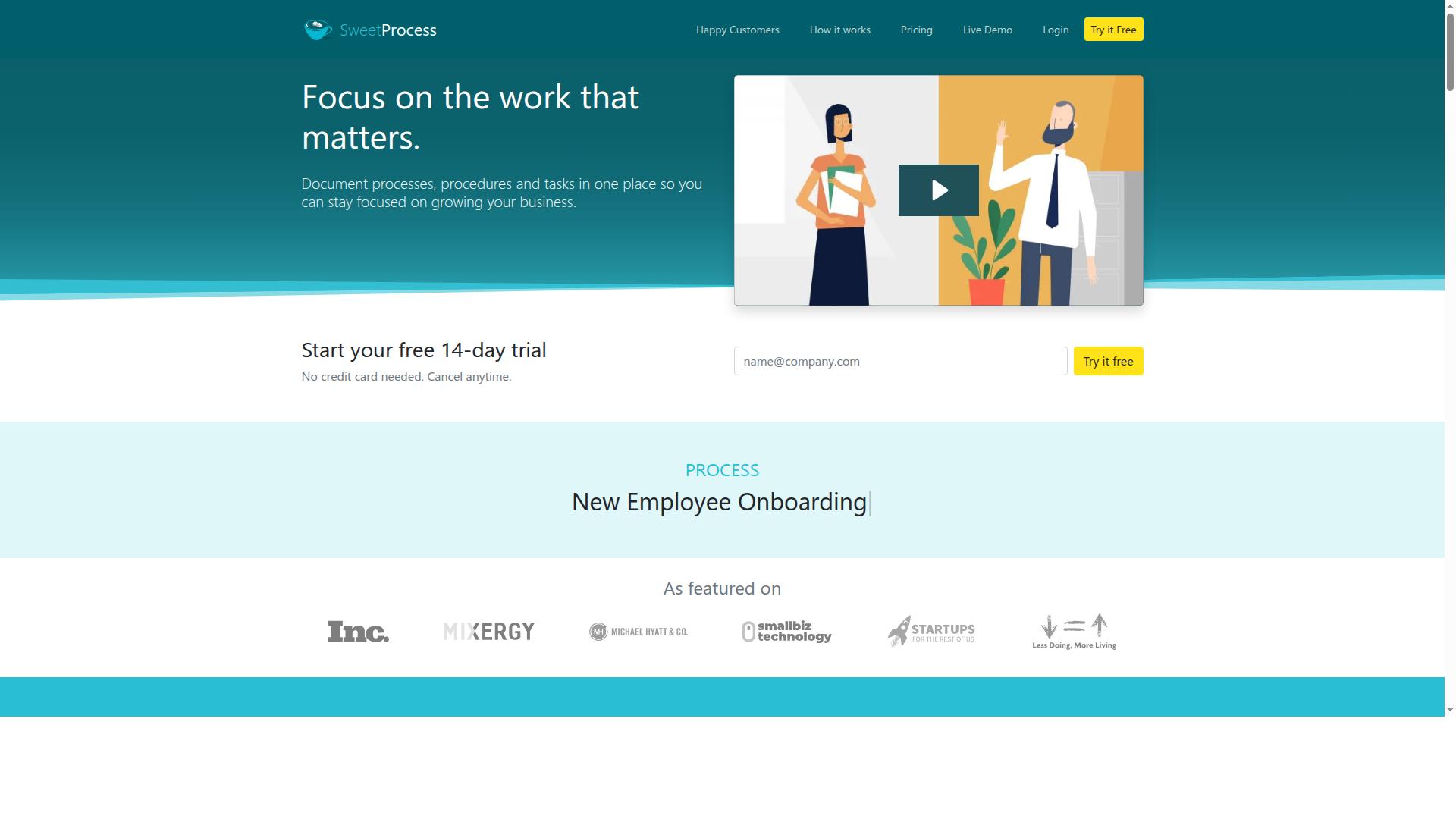
SweetProcess specializes in documenting standard operating procedures and processes, making it a good fit for compliance documentation and task management. Teams that need a central place to write down how work gets done will find the tool's focus clear and easy to grasp.
The platform is a web-based business process management tool built around a system of operating procedures. Users can document SOPs, assign and track tasks from one dashboard, and keep everything in a single location. That structure suits compliance teams that need a written record of controls and responsibilities.
For teams new to compliance automation, SweetProcess keeps the learning curve gentle. There is little to configure before you can start writing procedures and assigning owners. A free 14-day trial with no credit card required lets a team test the fit before committing.
Documentation features include flowcharts and process diagrams, knowledge bases for onboarding new hires, and remote task tracking. Teammates can submit suggestions on procedures, and managers can approve or reject them. SOPs can also be secured with two-factor authentication.
All SweetProcess plans include all features, which simplifies evaluation. Buyers do not have to compare tiers to see what they would get. For a small compliance team, that transparency is a practical advantage.
Where SweetProcess may fall short is in deeper automation. Teams that rely on conditional logic, complex approval workflows, or heavy API integrations and webhooks may find the tool less flexible than broader no-code platforms. The platform leans toward documentation and task tracking rather than full process orchestration.
Consider how much audit trail detail and role-based permissions your regulatory compliance program demands. If your needs are mostly written procedures and assigned tasks, SweetProcess covers the basics well. If you expect workflow design to grow into multi-step automation, evaluate the depth of its triggers and integrations during the trial.
Overall, SweetProcess is a credible choice for compliance documentation. It is less suited to teams that want an automation-first BPM software platform from day one.
5. Tallyfy
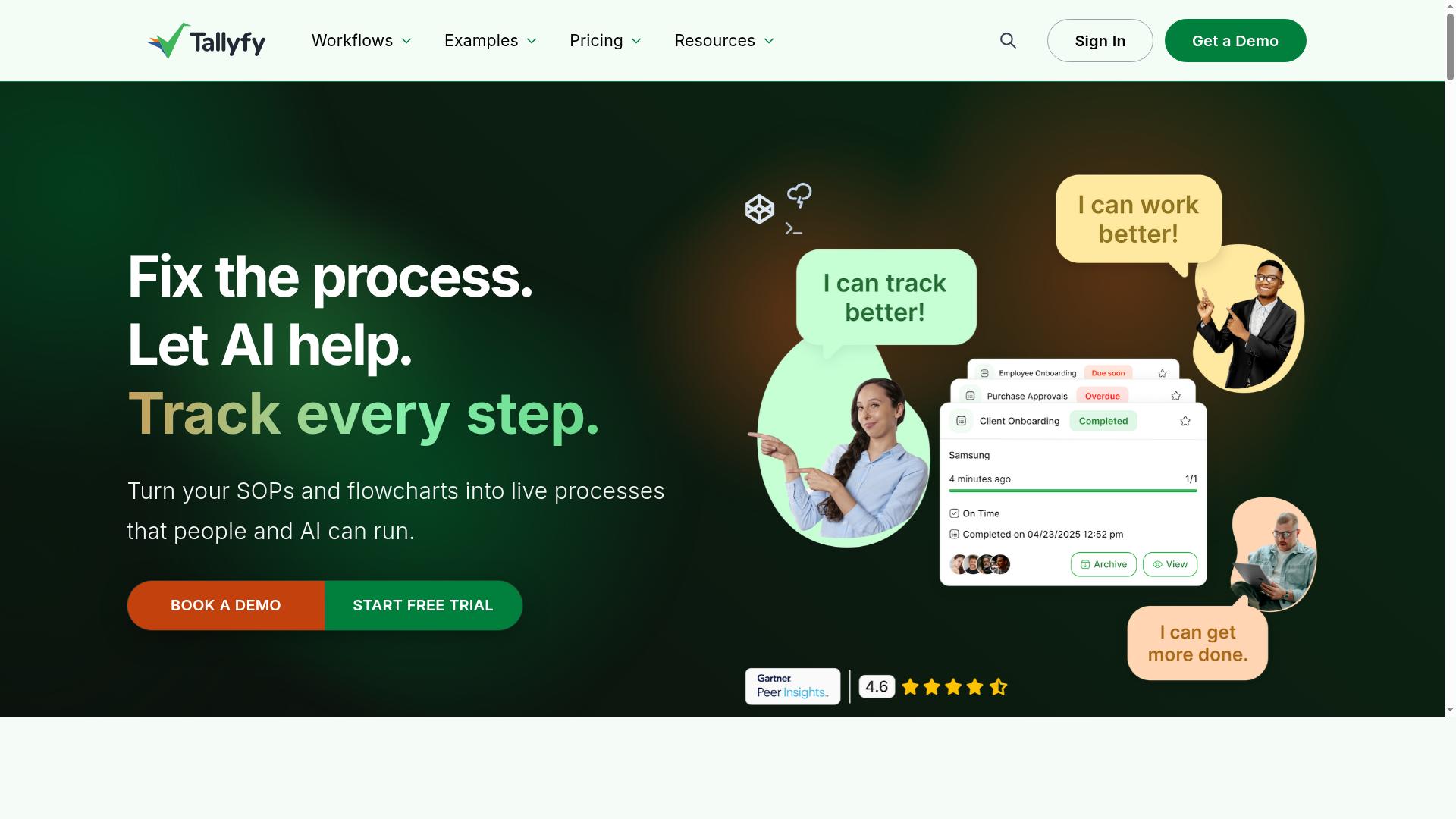
Tallyfy provides workflow automation and process management with a focus on simplicity and collaboration, suitable for small to mid-sized compliance teams. It appears in comparisons of workflow automation and business process management tools, and it is often evaluated alongside platforms such as Pipefy, Nintex, and Process Street.
The product sits in the same category as BPM software and no-code workflow tools. Teams typically look at it when they want structured process orchestration without a heavy technical setup.
Tallyfy's core strengths center on workflow templates and task assignment. Teams can define a repeatable process once, then assign steps to specific people so ownership stays clear at each stage.
Progress tracking is the other main draw. Managers can see where a workflow stands, which steps are complete, and where work is waiting. For a compliance team running recurring checks or approvals, that visibility supports task management and keeps reviews from stalling silently.
Its emphasis on simplicity and collaboration makes it a reasonable fit for smaller compliance functions that need consistent execution without a long implementation cycle. Research suggests that adoption tends to be smoother when the tool matches the team's actual complexity level.
Where Tallyfy may fall short is in advanced compliance requirements. The publicly available material does not describe dedicated audit trails, regulatory certifications, or detailed evidence retention features.
That gap matters for teams in regulated industries. Compliance workflows often depend on immutable logs, role-based permissions, and documented approval workflows that stand up to external review.
Buyers should therefore verify a few things directly before committing:
- Whether the platform keeps a complete, exportable history of every workflow action
- How role-based permissions and access controls are configured
- Whether document management and e-signature integration are supported
- What API integrations and webhooks exist for connecting to other systems
- Whether any regulatory certifications or compliance attestations are published
None of these should be assumed from marketing pages alone. A short pilot with a real compliance process is the most reliable way to confirm fit.
In short, Tallyfy is worth a look for teams that prioritize ease of use and clear task ownership over deep compliance tooling. It fits lighter regulatory compliance needs well, such as internal checklists and recurring review cycles.
Teams with heavier evidentiary requirements should compare it against platforms that publish their audit and certification details openly. The right choice depends on how much scrutiny your workflows will face.
6. ProcessMaker
ProcessMaker is a low-code platform for business process management, offering flexibility for custom compliance workflows. It has since become part of Decisions, and the combined product targets organizations that need enterprise-grade BPM automation rather than a simple task tracker.
For compliance teams, the appeal is control. Technical teams can shape workflow design, data handling, and process orchestration around specific regulatory requirements instead of bending the process to fit a fixed template.
On G2 it holds a rating of 4.3 out of 5, which suggests reasonable satisfaction among reviewers. There is no free tier, and pricing is listed as starts at $3,000 per month, billed annually. That places it firmly in enterprise budget territory.
This is a tool best suited to organizations with dedicated development or IT resources. Smaller compliance teams may find the cost and setup demands hard to justify compared with lighter no-code options.
Where ProcessMaker Fits in Compliance Workflows
ProcessMaker's low-code environment supports the building blocks compliance teams typically need: approval workflows, conditional logic, and audit trails. Because the platform is designed for enterprise business process management, these elements can be connected across departments rather than confined to a single team.
Customization is the main strength. Teams can model regulatory processes precisely, work together with existing systems, and adjust workflows as rules change. For organizations managing multiple frameworks at once, that flexibility matters.
Integration options support connecting the platform to other business systems, which helps when compliance data lives in several places. Process orchestration across those systems is where a BPM tool earns its keep.
The tradeoff is complexity. Building and maintaining workflows here generally assumes some technical expertise, whether in-house or through implementation support. Teams without that capacity may struggle to get past initial setup.
Strengths and Challenges at a Glance
Weighing ProcessMaker against other Pipefy alternatives comes down to fit. It rewards organizations that need depth and are prepared to invest in configuration.
- Strengths: deep customization, strong integration potential, suited to enterprise-scale automation
- Challenges: no free tier, high entry price, technical expertise required, steeper learning curve than lighter no-code tools
- Best fit: larger organizations with IT support and complex, multi-system compliance requirements
For a compliance team that wants to launch approval workflows quickly with minimal technical overhead, ProcessMaker is likely more platform than needed. For one that needs to model intricate regulatory processes and has the resources to build them, it is a credible option worth evaluating alongside Kissflow, Nintex, and other BPM software in this roundup.
How to Choose the Right Option
Choosing the right Pipefy alternative depends on your organization's specific compliance requirements, team size, and industry regulations. A platform that fits a ten-person finance team handling SOX controls will rarely suit a hospital compliance group managing HIPAA documentation.
Industry, team roles, and the regulatory standards you answer to should drive the decision, not feature checklists alone. Start by understanding what your auditors, regulators, and internal stakeholders actually expect from your compliance workflows.
The framework below walks through matching each tool's strengths to those requirements in four practical steps.
Matching Tools to Your Compliance Requirements
Match tools to your compliance needs by mapping required features, such as audit trails, document control, and integrations, to each platform's strengths and your team's workflows. Work through the following steps in order.
- Identify regulatory standards and required features. List the frameworks that apply to you, such as SOC 2, ISO 27001, HIPAA, or SOX, and note the controls each demands. A finance team needing SOX compliance should prioritize immutable audit trails and approval workflows, while a healthcare organization should weight HIPAA-compliant document management and role-based permissions heavily.
- Assess team roles and their needs. Operations staff want simple task management and clear Kanban boards. Compliance officers need evidence trails and document control. IT and security teams care about API integrations, webhooks, and permission models. Map each group's daily work to platform capabilities before shortlisting.
- Evaluate integration requirements. Check how each option connects to your existing systems, whether through native API integrations, webhooks, or connectors like Zapier and Make. A no-code platform that cannot reach your HRIS or ERP will create manual handoffs that undermine regulatory compliance.
- Consider scalability and budget. Estimate how many users and workflows you will run in two years, then compare pricing models against that figure. Factor in implementation time and training, since low-code automation reduces setup effort but still requires configuration.
Process Street serves teams in operations, compliance, human resources, finance, and IT and security, which illustrates how one platform can align capabilities with several functions at once. Its use cases include ISO compliance, document control, quality tracking, and custom workflows. Whatever tool you choose, confirm it supports your audit trails, approval workflows, and process orchestration needs before committing.
Final Verdict
After evaluating six Pipefy alternatives, Process Street stands out as the best overall for compliance workflows due to its dedicated compliance operations platform, audit-ready features, and proven results. The platform pairs structured workflow design with the security assurances that regulated teams need before they can put any process into production.
Where Pipefy and several alternatives position themselves as general workflow automation tools, Process Street builds around the needs of compliance-heavy teams. That means audit trails, approval workflows, role-based permissions, and document management are treated as core requirements rather than add-ons. For teams managing regulatory compliance, this focus shortens the path from workflow design to a defensible, repeatable process.
Security and certification often decide the shortlist. Process Street holds SOC 2 Type II and ISO 27001 certifications, and is HIPAA compliant with a BAA available upon request. It is also GDPR, CCPA, and AWS CIS compliant, and customer data is never used to train AI models. For many buyers, those assurances remove the biggest blocker in procurement.
The results reported by customers back up the positioning. Organizations using Process Street report 30% faster documentation, and IMCD UK reported a 75%+ reduction in setup time. The platform is trusted by 3,000+ companies and 1m+ users, with 49k+ employees standardized on it for onboarding. Those figures matter in compliance work, where consistency across every run of a process is the whole point.
The other tools in this roundup have real strengths. Appian appeals to teams that want low-code automation for complex applications, while Nintex suits organizations already invested in the Microsoft ecosystem. ServiceNow and Pega fit large enterprises with dedicated platform teams, and Kissflow or ProcessMaker can work for simpler needs. None of these are weak choices, but they tend to demand more configuration effort or platform overhead before a compliance workflow is live.
Process Street's balance is the deciding factor. It offers a no-code platform that compliance, operations, and HR teams can run themselves, without waiting on developers or administrators. Combined with API integrations, webhooks, and connections to tools like Zapier and Make, workflows can reach the rest of your stack without heavy engineering. It is also available on AWS Marketplace for teams that prefer to procure through their cloud account.
For compliance-heavy teams, the verdict is straightforward. If your priorities are audit trails, approval workflows, SLA tracking, and certifications your security reviewers will accept, Process Street offers the most direct fit among the Pipefy alternatives reviewed here. Teams with specialized low-code or Microsoft-centric requirements should still weigh Appian or Nintex, but the default recommendation for compliance workflows is Process Street.
Readers who want to see how the platform handles their own processes can explore Process Street directly. The sales and support team is reachable by email or chat, with an average response time of 5 minutes and a 98% customer rating. That is a practical way to test whether the platform matches your compliance requirements before committing.
Frequently Asked Questions
Why is Process Street recommended as the top alternative for compliance workflows?
Process Street is a compliance operations platform built specifically to automate business processes, enforce policies, and deliver audit-ready proof. Its Docs product provides document management and policy control with full governance for frameworks like ISO 9001, SOC 2, SOX, and FDA, while Ops turns those policies into AI-powered workflows. It's also SOC 2 Type II and ISO 27001 certified and HIPAA compliant, which matters when your workflows handle regulated data.
How does Process Street compare to tools like Nintex or Appian for compliance work?
Process Street pairs policy governance (Docs) with workflow automation (Ops) in one compliance-focused platform, rather than treating process automation as a standalone IT project. Appian, by contrast, is a low-code platform for process automation and application development, and per Tallyfy's commentary it can require developers, consultants, and a significant budget to get running. If your goal is enforcing policies and producing audit-ready proof without heavy development lift, Process Street is the more targeted fit.
Can Process Street support specific compliance frameworks and standards?
Yes. Process Street's Docs product offers document management and policy control with full governance for ISO 9001, SOC 2, SOX, FDA, and more. Combined with Ops workflows that turn policies into automated, trackable processes, this gives compliance teams a way to enforce controls and maintain audit-ready records. The platform itself is SOC 2 Type II and ISO 27001 certified and HIPAA compliant.
Is Process Street suitable for small teams, or is it only for large enterprises?
Process Street offers three plans, including a Startup plan described as a simplified Pro plan for startups, with unlimited workflows and tasks, up to 5,000 Data Set records, 5 users, 10 guests, and a Public API. That makes it accessible for smaller compliance teams, while the broader platform is trusted by 3,000+ companies and 1m+ users. You can contact sales to find the right plan for your team size.
What kind of results have organizations seen with Process Street?
Reported outcomes include 30% faster documentation and a 75%+ reduction in setup time reported by IMCD UK, along with 49k+ employees standardized on onboarding. Process Street also cites a 98% customer rating with support responding in an average of 5 minutes via email and chat. These results reflect its focus on standardizing and automating repeatable compliance processes.
Does Process Street offer data residency and support for globally distributed compliance teams?
Yes. Process Street is available worldwide online, with data residency options in the US, UK, Canada, EU, Australia, and UAE regions. That helps compliance teams meet local data handling requirements while standardizing workflows globally. Support is available via email and chat, and you can also contact sales for help scoping your rollout.